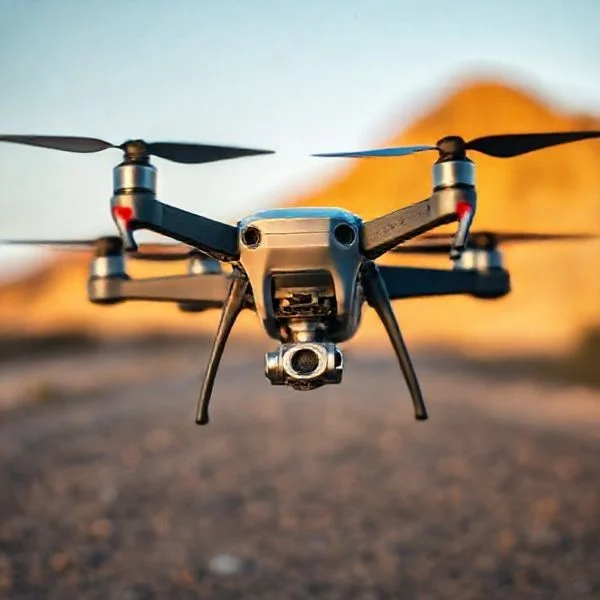
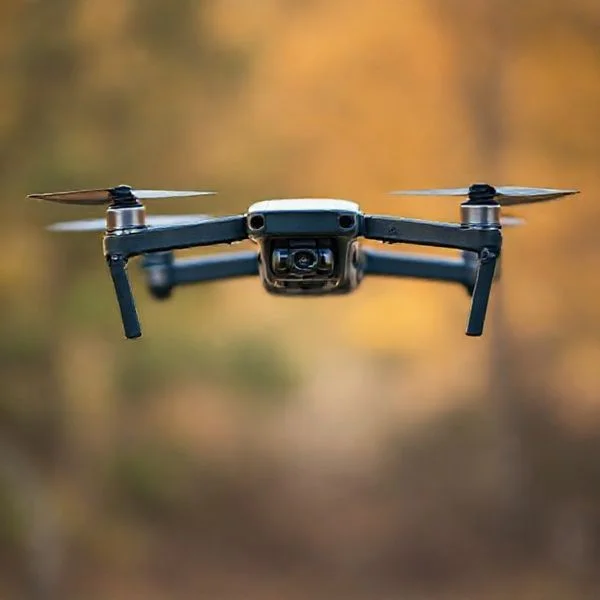
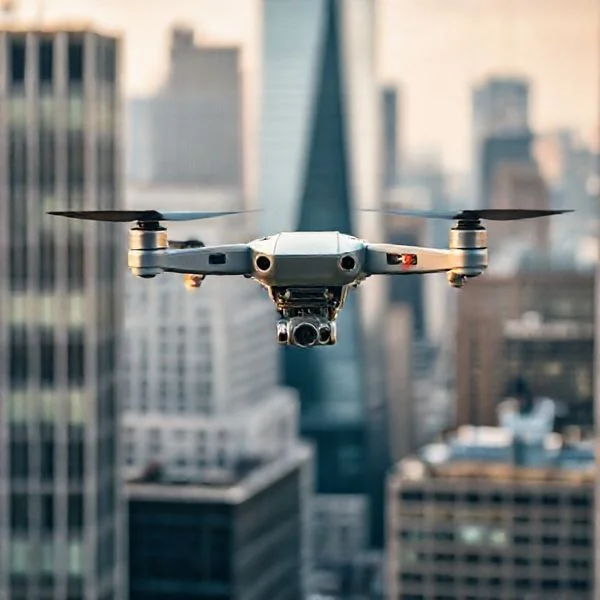
Headless mode is a flight feature where the drone moves relative to the pilot’s position rather than its own front-facing ‘nose’. By using an internal compass, the drone ensures that pushing the joystick forward always moves it away from the operator, regardless of its actual orientation.
🎯 Key Takeaways
- Orientation is fixed to the pilot’s perspective, not the drone’s front.
- Simplifies controls for beginners who struggle with spatial orientation.
- Ideal for recovering a drone when you cannot see its ‘nose’.
- Requires a calibrated compass to function accurately and safely.
- Over-reliance can prevent pilots from learning advanced flight orientation skills.
Headless mode is a flight safety feature that decouples the drone‘s physical orientation from your controller inputs. In a standard flight mode, a drone moves based on its own “nose” or front-facing camera. In headless mode, the drone ignores its internal front and instead aligns its movement to your position as the pilot. If you push the directional stick forward, the drone moves away from you, regardless of whether its camera is pointing at you, away from you, or sideways.
Prime for Young Adults — 6 Months Free
Exclusive Offer Amazon Prime for Young Adults, Students and 18–24s get six months of Prime free, then half price.
Start 6 Months Free As an Amazon Associate I earn from qualifying purchases.
This feature is vital for beginners because it eliminates the need for “mental mapping” during flight. When a drone turns around to face you, traditional controls become inverted, making it incredibly easy to steer into an obstacle by mistake. Headless mode removes this learning curve, allowing you to focus on the drone’s position in the sky rather than tracking which way its tiny LED lights are pointing.
Pilot-Centric Navigation vs. Drone-Centric Navigation
Recommended Best Deal Products
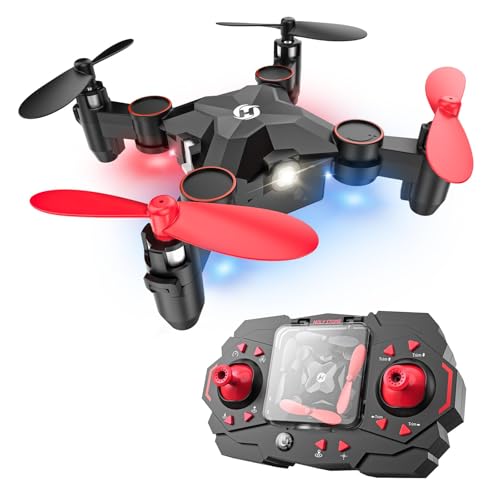


To understand headless mode, you must first grasp the difference between drone-centric and pilot-centric control schemes. Most advanced pilots fly in “drone-centric” (standard) mode. In this setup, the drone behaves like a car. If the car is facing you and you turn the steering wheel left, the car moves to your right. This requires the pilot to constantly visualize themselves sitting inside the drone’s cockpit to maintain control.
Headless mode switches the logic to a “pilot-centric” model. The drone uses its internal magnetometer and digital compass to remember which direction it was facing when it first took off. It then treats that initial takeoff direction as a permanent North. As long as you stay standing in the same spot, the drone’s internal computer calculates the difference between its current rotation and your position to ensure your stick inputs always match your perspective.
The Role of the Internal Compass and Gyroscope
The mechanics of headless mode rely heavily on the drone’s flight controller and internal sensors. When you activate this mode, the drone isn’t actually “losing” its front; it is simply overriding the user input data. Here is how the internal hardware handles the shift:
- The Magnetometer: This sensor acts as a compass, locking onto the magnetic field of the Earth to establish a 360-degree reference point at the moment of calibration.
- The Gyroscope: While the compass provides the direction, the gyroscope tracks the rate of rotation (yaw). The flight controller uses this data to “counter-rotate” your stick commands in real-time.
- Signal Translation: If the drone has rotated 90 degrees to the right, the flight controller knows that your “Forward” command actually needs to be executed as a “Left Strafe” in the drone’s local coordinate system.
Example: The Nose-In Scenario
Imagine your drone is 50 feet away and has rotated 180 degrees so that its camera is facing directly back at you. This is known as the “nose-in” position. In standard mode, pushing your right stick to the left would cause the drone to move to your right. In headless mode, the drone’s computer recognizes its 180-degree rotation. When you push the stick left, the drone moves to your left. It effectively ignores its own “eyes” to follow your hands.
Key Advantages of Flying in Headless Mode
The primary benefit of headless mode is the reduction of cognitive load. Flying a drone requires multitasking: you are monitoring altitude, battery life, wind resistance, and spatial surroundings. By removing the need to track the drone’s “heading,” you free up mental energy to focus on safe maneuvering and obstacle avoidance. This is especially helpful in high-stress situations where a split-second mistake in direction could lead to a total loss of the aircraft.
Simplified Learning for New Pilots
For someone picking up a transmitter for the first time, the “spatial inversion” that happens when a drone turns is the most significant hurdle. Headless mode allows a beginner to develop “muscle memory” for how the sticks move the aircraft through 3D space without the frustration of inverted controls. It provides a “safety net” that makes the initial hours of flight much more intuitive and less prone to expensive crashes.
Prime for Young Adults — 6 Months Free
Exclusive Offer Amazon Prime for Young Adults, Students and 18–24s get six months of Prime free, then half price.
Start 6 Months Free As an Amazon Associate I earn from qualifying purchases.Emergency Orientation Recovery
Even experienced pilots can benefit from headless mode during an “orientation loss” event. If you fly your drone too far away, it can become a tiny speck in the sky, making it impossible to tell which way it is facing. In standard mode, trying to fly it back to yourself is a guessing game that often results in flying further away. By toggling on headless mode, you can simply pull the directional stick backward. Regardless of where the drone is pointing, it will move directly toward your location, serving as a manual “Return to Home” feature.
- Visual Line of Sight (VLOS): Headless mode helps you maintain control even when the drone’s orientation is obscured by glare or distance.
- Confidence Building: It allows you to practice complex flight paths, like circles or figure-eights, without worrying about the drone spinning on its yaw axis.
- Panic Mitigation: If you lose your bearings, activating headless mode provides an immediate, predictable way to bring the drone to a stop or return it to your position.
Technical Limitations and Hardware Requirements
Recommended Best Deal Products

While headless mode feels like magic, it relies on specific hardware working in perfect harmony. Most drones utilize an internal magnetometer—essentially a digital compass—to determine which way the aircraft is facing relative to the pilot. Because this system is based on magnetic north and electronic signals, it isn’t foolproof. External factors can easily “confuse” the drone’s sense of direction, leading to drifted controls or unpredictable movement.
Sensors and Signal Interference
The biggest hurdle for headless mode is electromagnetic interference. Since the drone is constantly calculating its position relative to your controller, metallic structures or high-voltage power lines can disrupt the magnetometer. If you are flying near a large metal fence or a cell tower, you might find that “pushing forward” no longer sends the drone away from you accurately.
- Avoid Magnetic Sources: Stay away from large cars, reinforced concrete, and industrial magnets during takeoff.
- GPS vs. Non-GPS: Higher-end drones use GPS to stabilize headless mode, making it much more reliable than the basic sensors found in “toy” drones.
- Calibration is Key: Ensure your drone’s compass is calibrated in a wide-open space to give the sensors a clean baseline.
The Importance of Initialization
For headless mode to work, the drone needs a reference point. Most budget-friendly drones set this point the moment you pair the controller or arm the motors. This means if you turn the drone 45 degrees after it has initialized, the orientation will be off. For the mode to function correctly, the drone’s “nose” must be pointing exactly away from you when the system boots up.
Headless Mode vs. Standard Flight: Choosing the Right Setup
Deciding when to use headless mode depends entirely on your goals for the flight. Standard flight (also known as “orientated flight”) is the traditional way to fly, where the controls are relative to the drone’s nose. Mastering this is essential for anyone looking to move into professional photography or drone racing, as it allows for much tighter turns and more complex maneuvers.
When to Use Headless Mode
This mode is a fantastic safety net. If you are a beginner and lose track of which way your drone is facing at a high altitude, toggling headless mode can help you bring the craft back safely without crashing. It is also incredibly useful for simple cinematography where you want to keep the drone moving in a straight line while you rotate the camera to capture a panoramic view.
- Emergency Recovery: Use it when you are “disoriented” and can’t tell the front from the back.
- Focus on Framing: Use it when you want to focus on the camera shot rather than complex stick inputs.
- Beginner Training: Use it during your first few flights to build confidence in open spaces.
The Case for Standard Flight
Relying solely on headless mode can become a “crutch” that prevents you from developing true pilot skills. Standard flight allows you to perform “nose-in” flying, which is necessary for landing in tight spots or navigating around obstacles. Once you understand how to mentally project yourself into the “cockpit” of the drone, your flying will become much smoother and more intuitive.
Prime for Young Adults — 6 Months Free
Exclusive Offer Amazon Prime for Young Adults, Students and 18–24s get six months of Prime free, then half price.
Start 6 Months Free As an Amazon Associate I earn from qualifying purchases.Conclusion
Headless mode is a powerful tool that lowers the barrier to entry for new pilots. By removing the stress of drone orientation, it allows beginners to enjoy the thrill of flight and helps more experienced pilots recover their aircraft during moments of confusion. However, it is important to remember that this mode is a supplement to—not a replacement for—solid flying skills. Understanding the technical limitations and knowing when to switch back to standard flight will make you a safer and more versatile pilot.
Next Steps: Take your drone to a wide-open field and practice toggling headless mode on and off while hovering. Observe how the controls change and get a feel for the “safety net” it provides. Ready to master the skies? Start practicing your standard orientation today and see how much your precision improves!
❓ Frequently Asked Questions
How does the drone know which way is forward in headless mode?
The drone uses an internal digital compass and gyroscope to ‘remember’ the direction it was facing when it was first turned on and synced with the controller. This becomes the fixed ‘forward’ orientation regardless of how the drone rotates in the air.
Why would a drone fly in the wrong direction while in headless mode?
This is usually caused by electromagnetic interference or a failure to calibrate the compass before flight. If the internal compass is off, the drone will misinterpret the pilot’s relative position, leading to erratic movement.
What is the difference between Headless Mode and Home Lock?
Headless mode locks the drone’s orientation to a specific compass direction set at takeoff. Home Lock, however, makes the drone move toward or away from the ‘Home’ GPS point specifically, which is more advanced and distance-dependent.
Should professional pilots use headless mode?
Professionals rarely use it for standard flight but may activate it during complex cinematography shots where they need to rotate the camera 360 degrees while maintaining a steady flight path.
Can I switch headless mode on and off mid-flight?
Yes, most drones allow you to toggle this mode via a button on the transmitter, which is helpful for regaining control if you become disoriented.
Does headless mode affect battery life?
No, headless mode is a software-based flight logic and does not put any additional significant strain on the drone’s battery or motors.