How to Disable a Drone: Legal Methods & Counter-Drone Tech
Commercial UAV Pilot & Aerial Cinematography Specialist at Drone Nestle · FAA Part 107 Remote Pilot Certification, Commercial UAS Operations · 10+ Years in Commercial UAV Operations, Flight Hardware Benchmarking & 4K Aerial Cinematography
Disabling a drone is legally complex because most jurisdictions classify them as aircraft, making physical destruction a federal offense. While technologies like signal jammers and net guns exist, their use is strictly regulated and often reserved for law enforcement and government agencies.
🎯 Key Takeaways
- Drone destruction is often a federal felony under aircraft protection laws.
- Signal jammers are illegal for civilian use under FCC regulations.
- Physical net guns offer a kinetic way to capture drones safely.
- Use Remote ID to identify operators rather than disabling the craft.
- Contact local law enforcement for persistent privacy or safety concerns.
To disable a drone, you must either sever its communication link with the pilot or physically force it from the sky. Effective methods range from electronic jamming and GPS spoofing to physical capture using net-launching cannons or high-velocity projectiles. While the technology to ground these devices is becoming more accessible, the physical act of disabling a drone is fraught with technical difficulty and significant legal risk. Most consumer drones are programmed with sophisticated “fail-safe” protocols that dictate how they behave when they lose a signal, making total neutralization harder than it looks.
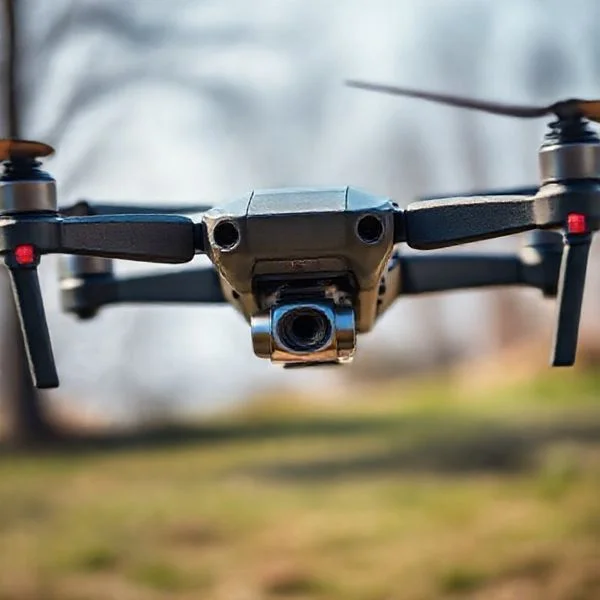
Understanding these methods is critical for security professionals, property owners, and privacy advocates who need to mitigate drone threats. However, knowing how the technology works is only half the battle. Because the FAA classifies drones as aircraft, the same federal protections that apply to a Boeing 747 also apply to a small plastic quadcopter. If you use the wrong method or act outside of specific government authorizations, you could face felony charges. This guide explores the hardware used to ground drones and the strict legal boundaries you must navigate.


Understanding Anti-Drone Technologies and Hardware
The market for counter-unmanned aircraft systems (C-UAS) has evolved rapidly to keep pace with drone capabilities. Most modern drones rely on a constant connection between the controller and the craft, typically over the 2.4 GHz or 5.8 GHz radio frequency bands. Anti-drone hardware aims to exploit this connection or the drone’s physical vulnerability.

Radio Frequency (RF) Jammers and Signal Disruption
RF jammers are the most common electronic tools used to disable drones. These devices work by emitting a high-power signal on the same frequencies the drone uses for control and video transmission. By “drowning out” the pilot’s commands, the jammer forces the drone into a pre-programmed state. Depending on the drone’s firmware, it will usually perform one of three actions: hover in place until the battery dies, land immediately, or trigger a “Return to Home” (RTH) sequence using its last known GPS coordinates.

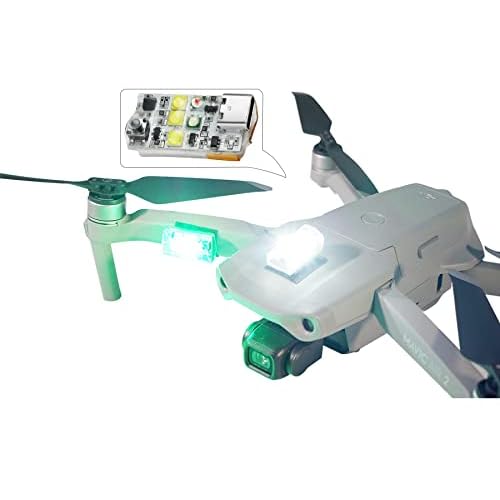

- Directional Jamming: These look like oversized rifles or futuristic antennas. They focus energy in a specific beam, allowing you to target a single drone from several hundred yards away.
- Omnidirectional Jamming: These create a “bubble” of protection. They are often used for fixed-site security to prevent any drone from entering a specific perimeter.
- GPS Spoofing: This is a more advanced technique. Instead of blocking the signal, the hardware sends fake GPS coordinates to the drone. This can trick the drone into flying to a different location or crashing into a “no-fly zone” it thinks it has entered.
Physical Capture and Kinetic Methods
When electronic disruption is not an option—or when you need to capture the drone intact for forensic analysis—physical methods are used. These tools focus on entangling the rotors, which are the most vulnerable part of any multi-rotor system. Once a single rotor is blocked, the drone loses lift and stability instantly.
- Net Cannons: These can be handheld or mounted on a tripod. They use compressed air to fire a weighted net at the target. Some nets are equipped with parachutes to bring the captured drone down safely without damaging property below.
- Interceptor Drones: These are “hunter” drones designed to take down other drones. Some carry their own net guns, while others trail a long “combat ribbon” or net to snag the propellers of the intruder.
- High-Energy Lasers (HEL): Primarily used by military forces, these systems use concentrated light to melt the plastic casing or fry the internal circuitry of a drone in seconds. While highly effective, they require massive power sources and precision tracking hardware.
How to Disable a Drone Like a Pro: A Practical Walkthrough
Whether you are a hobbyist looking to safely decommission an old unit, a technician performing deep maintenance, or a pilot needing to ensure a drone is completely inert for long-term storage or transport, knowing how to properly disable a drone is a vital skill. This guide covers the systematic process of neutralizing a drone’s power systems, mechanical components, and communication arrays. Following these steps ensures that the device cannot be accidentally activated, prevents battery-related fires, and protects the sensitive internal circuitry from damage during the deactivation process.
Step 1: Initiating a Controlled Power-Down and Battery Extraction
What you need: The drone unit, a fire-proof LiPo (Lithium Polymer) safety bag, and a non-conductive prying tool (optional).
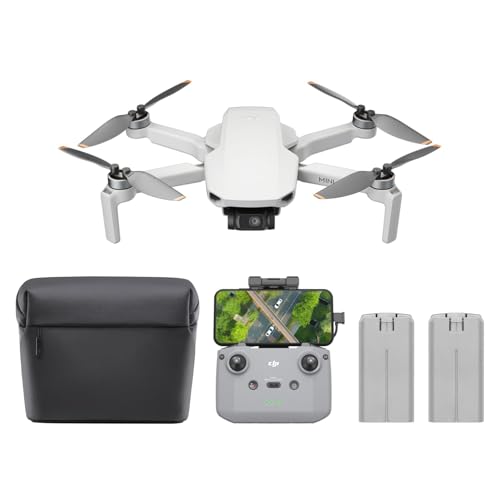


Instructions: The first and most critical step in disabling any drone is the removal of its primary power source. Most consumer drones use “Smart Batteries” that require a specific sequence to power off—usually a short press followed by a long press of the power button. Once the LED indicators turn off, engage the battery release latches. Carefully slide the battery out of its compartment. Examine the battery terminals for any signs of swelling or corrosion. Immediately place the extracted battery into a fire-proof LiPo bag. This isolates the most volatile component of the drone, ensuring that no electrical shorts can occur while you work on the internal hardware or transport the unit.
Pro Tip: Never use metal tools to pry a stuck battery, as piercing the casing can lead to a thermal runaway event (fire). If the battery is swollen, treat it as a hazardous material immediately.
Step 2: Discharging Residual Energy from the Capacitors
What you need: No tools required; just the drone body without the battery.
Instructions: Even after the battery is removed, the drone’s internal circuit boards—specifically the Electronic Speed Controllers (ESCs) and the Flight Controller—often retain a residual electrical charge within their capacitors. To fully disable the unit, you must “drain” this energy. With the battery removed, press and hold the drone’s power button for at least 15 to 20 seconds. You may see a brief flicker of an LED or hear a faint click; this indicates the stored energy is being dissipated. This step is essential because residual power can still cause a spark if you begin disconnecting internal ribbon cables, potentially frying sensitive logic gates or sensors.
Pro Tip: Wait an additional two minutes after holding the power button before proceeding to the next step to ensure the hardware has reached a completely neutral state.
Step 3: Mechanical Disablement via Propeller Removal
What you need: A propeller wrench (usually included with the drone) or a 1.5mm/2.0mm hex driver, and a labeled storage container.
Instructions: A drone is effectively harmless if it cannot generate lift. Removing the propellers is the primary way to mechanically disable the craft. Identify the rotation direction of each motor; most drones have two clockwise (CW) and two counter-clockwise (CCW) motors. Use your wrench or hex driver to unscrew the prop nuts or release the quick-release hubs. If the propellers are “press-fit,” use a specialized removal tool to avoid bending the motor shafts. By removing the props, you eliminate the risk of the motors spinning up unexpectedly—a common occurrence during firmware updates or “flyaway” glitches—which can cause significant physical injury or damage to nearby objects.
Pro Tip: Always store propellers in a flat, rigid container. If they warp even slightly during storage, they will cause intense vibrations that can destroy your motor bearings if you ever decide to re-enable the drone.
Step 4: Decoupling the Communication and GPS Modules
What you need: A precision screwdriver set (Torx T5 or Phillips #00) and a pair of anti-static tweezers.
Instructions: To ensure the drone cannot be remotely accessed or tracked, you must disable its communication array. This involves opening the outer shell (fuselage) to access the internal components. Locate the receiver (RX) and the GPS module, which are usually situated near the top of the craft for better signal reception. Using your tweezers, carefully disconnect the tiny U.FL coaxial cables that connect the antennas to the circuit board. If the modules are integrated, look for the ribbon cables labeled “GPS” or “COMMS” and gently flip the locking tab on the ZIF connector to slide the cable out. This “air-gaps” the drone, making it impossible for it to receive commands from a remote controller or lock onto satellite coordinates.
Pro Tip: Be extremely gentle with U.FL connectors; they are rated for only about 30 connection cycles before the metal fatigues and the signal quality degrades permanently.
Step 5: Neutralizing the Electronic Speed Controllers (ESCs)
What you need: A soldering iron (optional) or wire cutters, and electrical tape.
Instructions: The ESCs are the components that translate signals from the flight controller into high-voltage power for the motors. To permanently disable the propulsion system, you should disconnect the ESCs from the motors. In many professional or DIY drones, this involves desoldering the three power wires (usually black, red, and yellow/white) that run from each motor to the ESC board. For consumer drones with modular “all-in-one” boards, you can disconnect the wiring harness that links the ESC to the main Power Distribution Board (PDB). Once disconnected, wrap the exposed wire ends in electrical tape to prevent any accidental contact. This ensures that even if the software fails or the motherboard is powered, the motors physically cannot move.
Pro Tip: If you are disabling the drone for disposal, cutting the wires is faster, but if you intend to repair it later, desoldering is the only way to maintain the integrity of the components.
Step 6: Signal Shielding and Secure Storage
What you need: A Faraday bag or a grounded metal box, and silica gel desiccant packets.
Instructions: The final step in disabling a drone is securing it against external electromagnetic interference. Place the dismantled drone body into a Faraday bag. These bags are lined with a metallic mesh that blocks all incoming and outgoing radio frequencies (RF), including Wi-Fi, Bluetooth, and cellular signals. This is a “fail-safe” measure that ensures no rogue signals can trigger any remaining automated functions. Before sealing the bag or storage container, add 2-3 silica gel packets to absorb any moisture. Humidity can cause oxidation on the disabled circuit boards, which might lead to short circuits if the drone is ever re-assembled and powered on in the future.
Pro Tip: If you don’t have a professional Faraday bag, an ammunition can or any heavy-duty metal box with a tight-fitting lid will provide a similar level of RF shielding.
✅ Final Checklist
- Confirm the primary LiPo battery is removed and stored in a fire-safe container.
- Verify that the power button has been held to discharge internal capacitors (no LEDs should flash).
- Ensure all propellers have been removed and motor shafts are unobstructed.
- Check that antenna leads (U.FL connectors) are physically disconnected from the receiver.
- Ensure all internal ribbon cables for GPS and ESCs are unseated or isolated with tape.
Important Notes:
- Legal Warning: Only disable drones that you own. Interfering with a third party’s drone or using signal jammers is illegal in many jurisdictions and can interfere with emergency communications.
- Safety First: Always wear eye protection when working with propellers or soldering tools. LiPo batteries are highly flammable if punctured.
- Professional Help: If you encounter a “puffed” battery that won’t come out, contact a local hobby shop or hazardous waste disposal center rather than forcing it.
- Estimated Time: 30–45 minutes for a complete hardware disablement.
- Cost Range: $10–$50 for basic tools and safety storage bags.
The Legal Framework: FAA Regulations and Federal Law
Before you consider deploying any of the hardware mentioned above, you must understand that the legal deck is heavily stacked against the person trying to disable the drone. In the United States, drones are not considered toys; they are legally classified as “civil aircraft.” This classification grants them protections that make most anti-drone actions a federal crime.
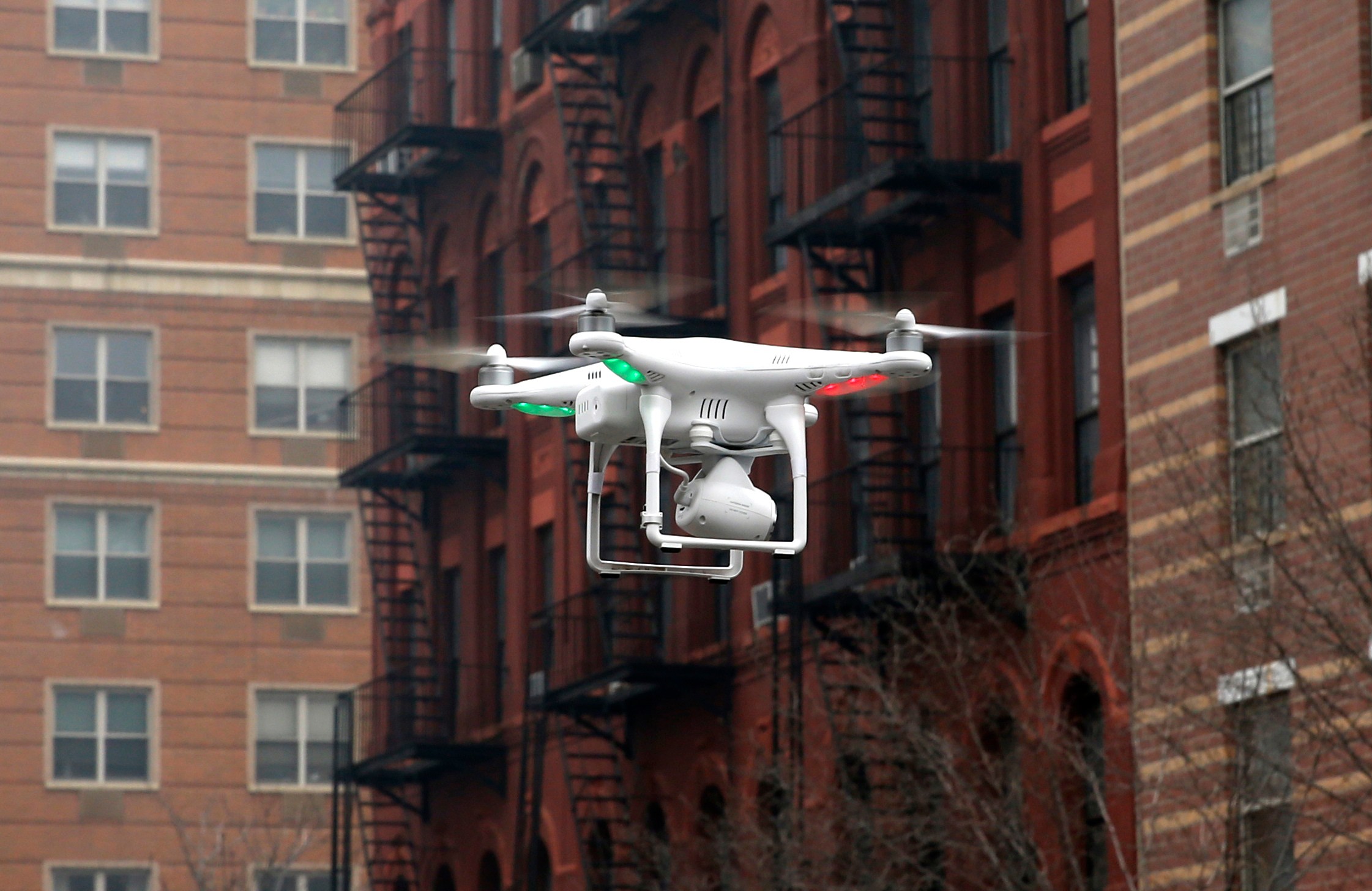
18 U.S.C. § 32: The “Destruction of Aircraft” Statute
The most significant legal hurdle is 18 U.S.C. § 32. This federal law makes it a felony to willfully damage, destroy, or disable any aircraft in the special aircraft jurisdiction of the United States. Because the FAA defines the “navigable airspace” as beginning at the blades of grass, a drone flying just ten feet over your backyard is technically in federal jurisdiction. Violating this statute can lead to heavy fines and up to 20 years in federal prison.
- No “Self-Defense” for Property: Unlike a trespasser on your porch, a drone in “your” air does not generally give you the right to use force. Courts have historically ruled that property owners do not own the air above their land to an infinite height.
- Risk of Collateral Damage: If you shoot down a drone or jam its signal and it falls onto a person or a car, you are liable for all resulting damages, both civilly and criminally.
FCC Regulations and the Ban on Jamming
Even if you avoid damaging the drone physically, using electronic jammers is almost always illegal for private citizens. The Communications Act of 1934 prohibits the use of any device that intentionally interferes with authorized radio communications. This includes the frequencies used by drones, as well as the GPS signals they rely on. The FCC maintains a strict stance on this because jammers are “indiscriminate.” A device intended to stop a drone can also block emergency calls (911), interfere with local Wi-Fi, and disrupt aviation navigation signals for manned aircraft in the vicinity.
- Enforcement: The FCC can issue “Notice of Apparent Liability” fines that often exceed $10,000 per violation.
- Authorized Users: Currently, only specific federal agencies (such as the Department of Justice, Department of Defense, and Department of Homeland Security) have the legal authority to use jamming technology under strictly controlled circumstances. Local police departments and private security firms generally do not have this authorization.
Evaluating Electronic Countermeasures vs. Physical Interception
When it comes to stopping a drone in its tracks, the methods generally fall into two categories: electronic and physical. Each approach comes with its own set of technological hurdles and legal implications. Understanding the difference is crucial for anyone looking into drone defense systems, as the “cool factor” of some tech often outweighs its practical or legal utility.
The Sophistication of Electronic Disruption
Electronic countermeasures focus on the drone’s “brain” and communication links. These methods are often preferred by high-level security because they can stop a drone without causing it to fall out of the sky and potentially injure someone. Common examples include:
- Signal Jamming: Overpowering the drone’s connection to its controller or GPS satellites, usually forcing it to trigger an automatic “Return to Home” (RTH) sequence.
- Spoofing: Sending a fake GPS signal to the drone to trick it into thinking it is somewhere else, allowing the operator to lead it to a safe landing zone.
Note: In many jurisdictions, including the United States, jamming and spoofing are strictly regulated by federal agencies like the FCC and are illegal for private citizens to operate.
Kinetic and Physical Deterrents
Physical interception, or “kinetic” mitigation, involves making direct contact with the aircraft. While these methods are more visually dramatic, they carry a high risk of property damage or injury from falling debris. Examples often seen in specialized security environments include:
- Net Guns: Handheld or drone-mounted launchers that fire a mesh net to entangle the propellers, bringing the drone down safely (if equipped with a parachute).
- Interceptor Drones: High-speed drones designed to hunt and capture unauthorized craft in mid-air.
- Trained Raptors: Some security forces have experimented with eagles or hawks trained to snatch small drones from the sky, though this is rare and requires extensive training.
Responsible Alternatives to Forcible Drone Disruption
For most property owners and hobbyists, “disabling” a drone doesn’t have to mean breaking it. In fact, the most effective ways to deal with a nuisance drone are often the ones that involve the least amount of conflict. Rather than looking for a physical kill-switch, focus on digital and legal deterrence.
Leveraging Remote ID and Tracking Apps
Modern drones are increasingly required to broadcast Remote ID—a digital license plate that shares the drone’s location and the operator’s position. This is a game-changer for drone security. Instead of guessing where a drone came from, you can use accessories and software to identify the intruder. Practical tips include:
- Download a Remote ID Scanner: Apps like DroneScanner or OpenSky can turn your smartphone into a detection tool, showing you the flight path of nearby drones.
- Check Geofencing Maps: Websites like DJI’s Fly Safe map show “No-Fly Zones.” If a drone is in a restricted area, the manufacturer may be able to provide assistance if you report the incident.
Documentation and Law Enforcement Reporting
If a drone is repeatedly violating your privacy or flying dangerously, your best weapon is your camera and a phone call. Because drones are considered aircraft by the FAA, interfering with one is a federal crime. The safest way to “disable” the threat is through official channels.
- Document the Incident: Take photos or videos of the drone and, if possible, the operator. Note the time, date, and specific behavior.
- Contact Local Authorities: Provide your documentation to the police. While local laws vary, harassment and stalking laws often apply even if specific drone laws do not.
- Report to the FAA: If the drone is flying in a way that endangers people or other aircraft, filing a report through the FAA’s Leopard system is the professional way to handle the situation.
Conclusion: Staying Safe and Legal
Disabling a drone is a complex task that balances technology with strict legal boundaries. While electronic jammers and physical net guns might seem like the ultimate solution, they are often restricted to military or high-level government use. For the average person, the most effective “counter-drone tech” is a combination of Remote ID tracking, clear documentation, and understanding local regulations.
Next Steps: If you are concerned about drone activity around your home or business, start by downloading a Remote ID scanner app to see what is flying in your airspace. Stay informed about your local privacy laws and always prioritize safety over confrontation. What’s your experience with drones in your neighborhood? Share your thoughts in the comments below!
❓ Frequently Asked Questions
What are the consequences of physically damaging a drone?
Damaging a drone can lead to civil lawsuits for property damage and federal criminal charges under 18 U.S.C. § 32. Authorities treat it similarly to attacking a manned aircraft, which carries heavy fines and potential prison time.
Do anti-drone jammers work for everyone?
While effective at breaking the link between pilot and craft, signal jammers are illegal for private citizens to operate. Only specific government and law enforcement agencies have the authorization to use electronic disruption technology.
How does a drone net system work?
These systems use compressed air or blank cartridges to launch a weighted net at the target. Once the net entangles the rotors, the drone loses lift and usually falls, though some advanced systems include a parachute to prevent a crash.
Can I use a high-powered laser to disable a drone?
Using lasers against any aircraft is a federal crime and extremely dangerous to bystanders. It is not a legal or recommended method for dealing with unwanted drones and can result in immediate arrest.
What should I do if a drone is recording me?
Instead of trying to disable it, document the drone’s appearance and flight path. Contact local police and provide any identification data, such as a Remote ID broadcast, to report a privacy violation legally.
Are there any legal no-fly tools for homeowners?
Homeowners cannot legally block airspace, but they can request geofencing from manufacturers or report recurring unauthorized flights to the FAA. Passive defenses like privacy screens or tall landscaping are the only legal civilian options.

Similar Posts